
Beginner Guides
How to Find SxS Parks Near You
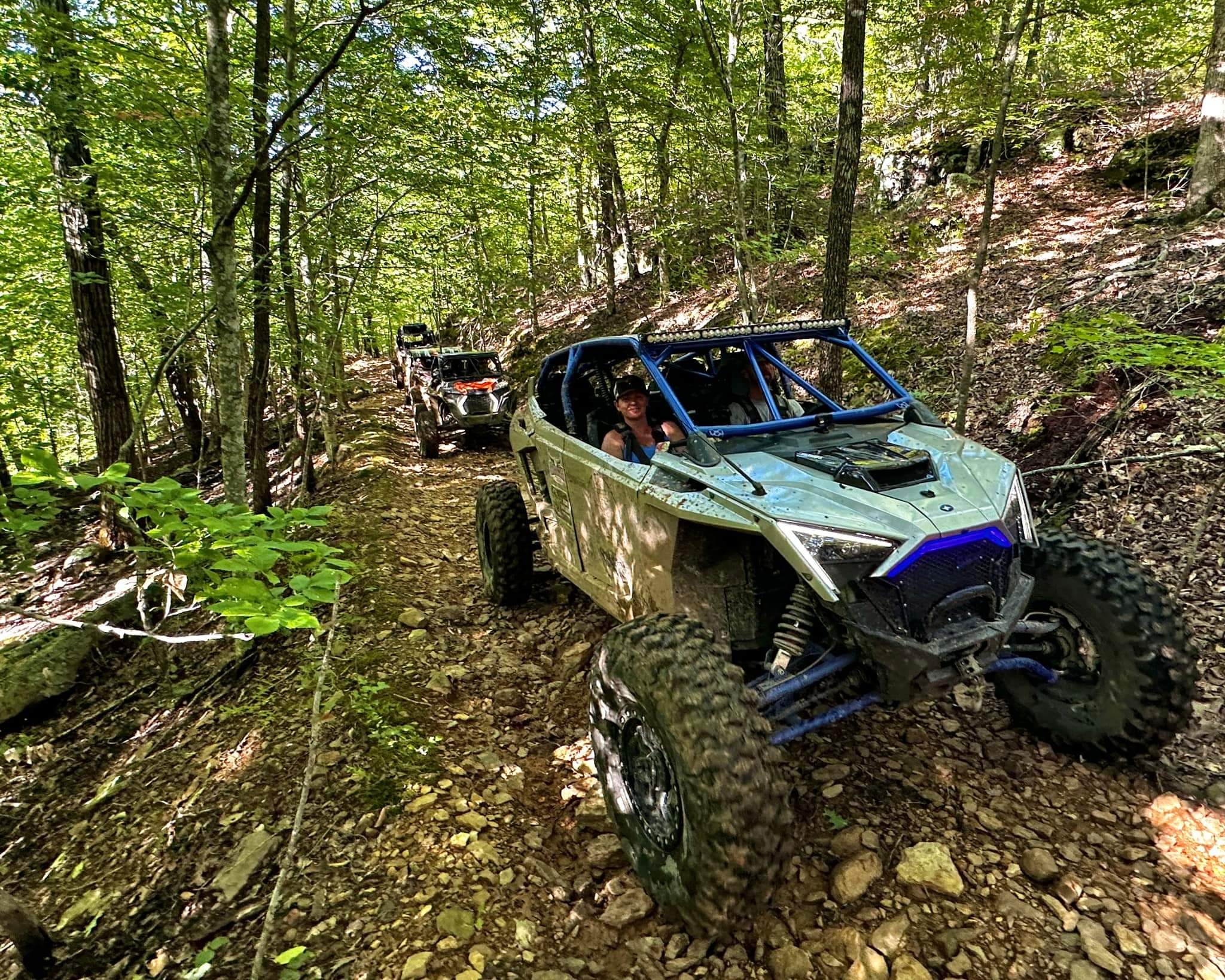
Find side-by-side parks and UTV trails near you by ZIP, city, or state, then filter by width, terrain, camping, and distance before you go.
Quick answer
Finding a nearby riding area starts with your location, but choosing one depends on whether your machine and trip fit it. Search SxSWeRide, narrow the results by the features you need, and open the park pages that remain. Then confirm unresolved access and operating information before towing there.
A useful shortlist contains places you can realistically reach and routes you are permitted to ride. Distance alone does not show trail difficulty, vehicle compatibility, or available camping. Keep your priorities clear so a closer result does not distract you from an important restriction or missing service.
Search by ZIP, city, state, or Use My Location
Open the parks finder and enter a ZIP code, city, or state in the location field. You can also select a state directly when you want to browse more broadly. Use a city with its state abbreviation to make your intended origin clear, especially when several places share a name.
The Use My Location button asks the browser for location permission. It can help establish a nearby search origin, but availability depends on your device and permission settings. If it does not work or you prefer not to grant access, type a ZIP or city instead.
Read the location notice after searching so you know how the origin was interpreted. Coordinate-backed results can show approximate miles away, which helps compare candidates. Those distances are discovery information rather than a promised towing route or driving time; road access can make the actual journey quite different.
Set a radius when travel range matters, then inspect the results and any fallback notice. Do not assume every displayed option necessarily sits within your preferred distance when the finder reports closest alternatives. The notice explains the search state more reliably than a quick glance at the first card.
Switch between List View and Map View when it helps you understand the area. The list exposes practical information on cards, while the map helps you see represented locations geographically. A marker cannot establish the correct unloading entrance, and you should still confirm arrival directions on the park page.
Near-city pages
Near-city pages give you another way to start discovery around a recognizable place. For example, open riding options near Montgomery, Alabama, Jacksonville, Florida, or Knoxville, Tennessee. These pages organize nearby possibilities rather than declaring every park to be inside the named city’s limits.
Read the individual location and distance information before comparing a near-city result with your own starting point. Your home, campground, or hotel may sit well away from the city reference. Repeating the search with your intended origin gives a better comparison for the trip you are actually taking.
Use a near-city page to build candidates, then investigate each destination’s machine access and terrain. A convenient geographic grouping cannot establish that all listed locations offer the same riding experience. Choose the page that matches your travel area without treating its heading as an address.
Filters that matter
Begin with vehicle width when it could exclude routes. Select the relevant Vehicle Width option and check the specific park’s restrictions afterward. A filter relies on represented information, so a missing width value does not prove unrestricted access for a modified or wider machine.
Terrain helps you choose the character of the ride. Mud, rock, sand, and trail-oriented results can serve different goals, but a broad terrain label does not rate every route. Look for sourced difficulty information where available and ask the operator about suitable current trails for your experience.
Open More Filters to compare camping or lodging, radius, and Park Type. Camping choices help narrow overnight candidates, while the public/private options distinguish represented operating types. Those categories do not replace checking booking details or determining which operator controls access.
Change filters deliberately if the shortlist becomes too small. Relax a preference such as overnight accommodation before ignoring a machine-fit constraint. You can stay elsewhere and trailer to a compatible destination, but an incompatible trail does not become usable because it is near your campsite.
Reading a park page
Open the detail page before making the trip decision. Read available hours, fees, rules, vehicle information, amenities, and camping details together. A park can be a good match for your terrain preference while still lacking a service your group needs.
Check the verification date when it is shown. It identifies when represented information was checked, rather than guaranteeing every field remains current. Follow official links for updates and contact the park about blanks or unclear details; an omitted fee or hour is not evidence that admission is free or access is unrestricted.
Read rules for their actual scope. A restriction about vehicles, noise, equipment, or a particular trail may affect your setup differently from a general description. Ask a precise question using your model and dimensions instead of assuming a broad UTV tag answers everything.
Use Get Directions as a navigation starting point and review the destination before driving. Confirm the correct entrance, trailer approach, and unloading location with the operator when those details are uncertain. A mapped location or town-level position may help discovery without providing exact entrance precision.
Keep a small offline trip note with the chosen entrance, operator contact, and the answers affecting your visit. This is especially useful when the last part of the drive has limited reception. Recheck important access details shortly before departure rather than relying only on the shortlist you made earlier.
Finding events near a park
Park pages can connect you to represented events and related discovery links. Follow those relationships to investigate a ride weekend at or around the destination, then read the event’s own venue information. A related result should not be treated as proof that every activity takes place at the same entrance or within a particular distance.
The events directory offers a broader search when the park page does not show a suitable weekend. Compare event type, state, and location information with your travel plan. Verify current rules with the venue and check the organizer’s arrival instructions before combining an event booking with a park visit.
If no related event appears, you can still investigate the riding area independently. Missing event information does not tell you whether the park is open, quiet, or sold out. Ask the operator about your intended visit rather than drawing operating conclusions from the calendar alone.
FAQ
Why can map distance differ from your drive?
Displayed discovery distances can compare coordinate positions without following the roads you must tow along. Check the actual driving route and confirm the entrance before estimating arrival time.
Does an empty field mean there is no restriction?
Missing information means you need another source to answer that question. Ask the park about the specific requirement instead of treating a blank as permission.
Can you search without sharing device location?
You can enter a ZIP code, city, or state and use the finder controls manually. Check the resulting location notice to make sure the search uses your intended area.